<HTML>
<HEAD>
<style type='text/css'>
td {font-size:9pt}
a {text-decoration:none;color:blue}
</style>
</HEAD>
<BODY oncontextmenu="return false" ondragstart="return false" onselectstart="return false"><center>
<table cellpadding=5>
<tr><td align="center"><font size="3" color="#191C97" face="돋움"><b>압축해제</b></font></td></tr>
<tr><td>
1.이 곳에 올린 자료는 전부 압축이 되어 있는데 간혹 압축 해제를 못하시는 분이
계신거 같아서 압축해제하는 방법에 대해 설명해 봤습니다. 그다지 어렵지 않으니
쉽게 하실수 있을겁니다.
2.먼저 <a href="
http://download.kcnet5.com/download/compress/Za470.exe"
onmouseover="this.style.color='red'" onmouseout="this.style.color='blue'">Zip'n All</a> 이라는 압축 프로그램을 다운 받고 설치합니다.
</td></tr>
<tr><td align='center'>
<img src='http://i.kebi.com/~kirkham/img/extract1.jpg'>
</td></tr>
<tr><td>
3.위 과정이 완료되면 압축해제 할 파일을 선택한후 오른쪽 버튼을 누릅니다.
4.메뉴가 나타나면 그중 위의 그림과 같은 아이콘 모양의 'Extract to...'를 선택 후
클릭하면 아래와 같은 화면이 나타납니다.
</td></tr>
<tr><td align='center'>
<img src='http://i.kebi.com/~kirkham/img/extract2.jpg'>
</td></tr>
<tr><td>
5.상단의 입력창에 압축 풀 디렉토리명을 입력합니다.
6.위의 그림에서 오른쪽 하단의 빨간선으로 표시된 Extract를 클릭합니다.
7.압축 해제가 완료되면 입력창에 입력한 디렉토리로 가서 확인 해 봅니다.
</td></tr>
</table>
</BODY>
</HTML>







 탈모용사
탈모용사
 탈모는극복하는것
 K4817292865
 K5013152061
 두랩
두랩
 레고마스터
레고마스터
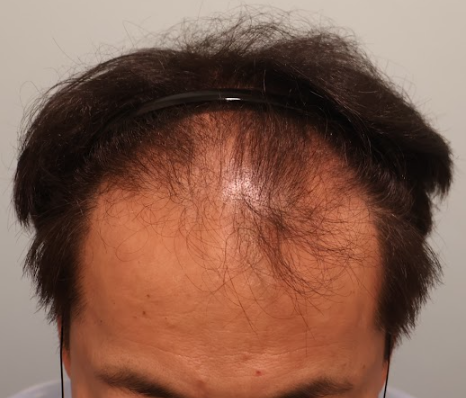
 참닥터모발이식의원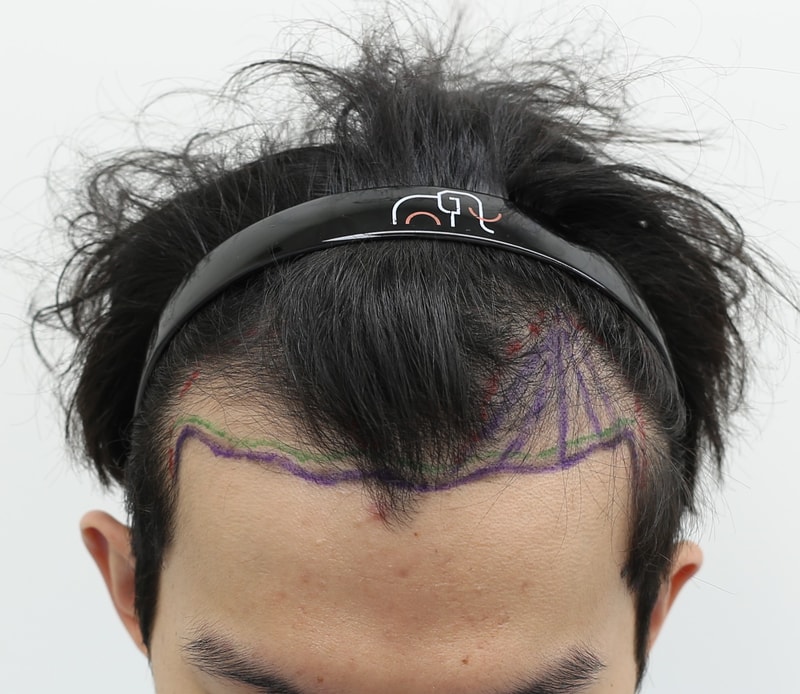
 압구정 맘모스헤어라인의원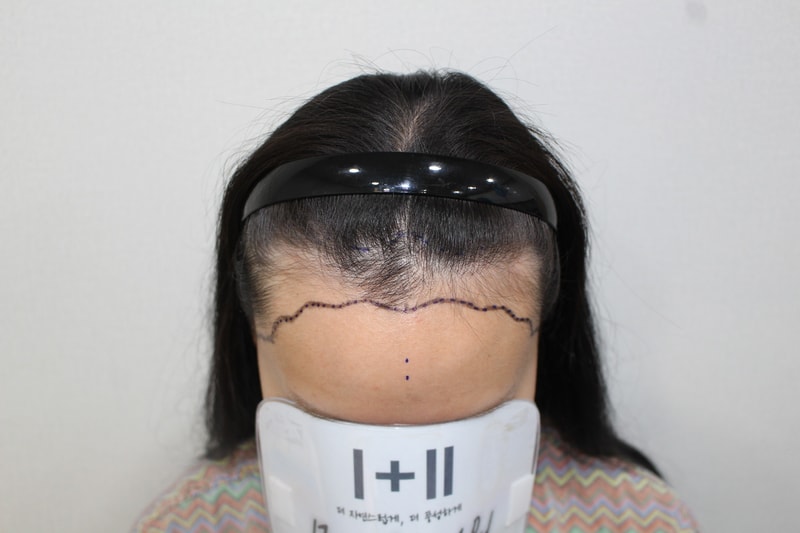
 모더함의원 모발이식센터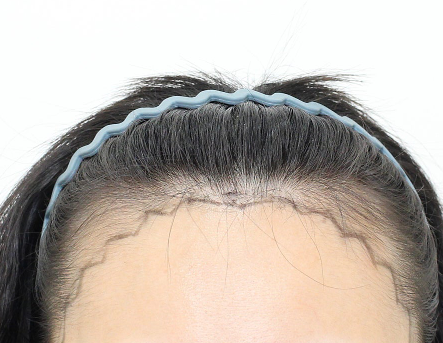
 모프로의원
모프로의원 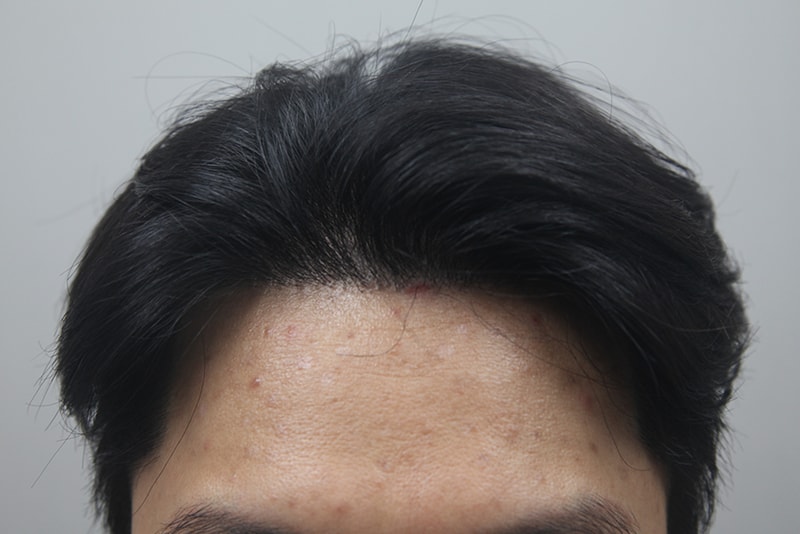
 모나라피부과의원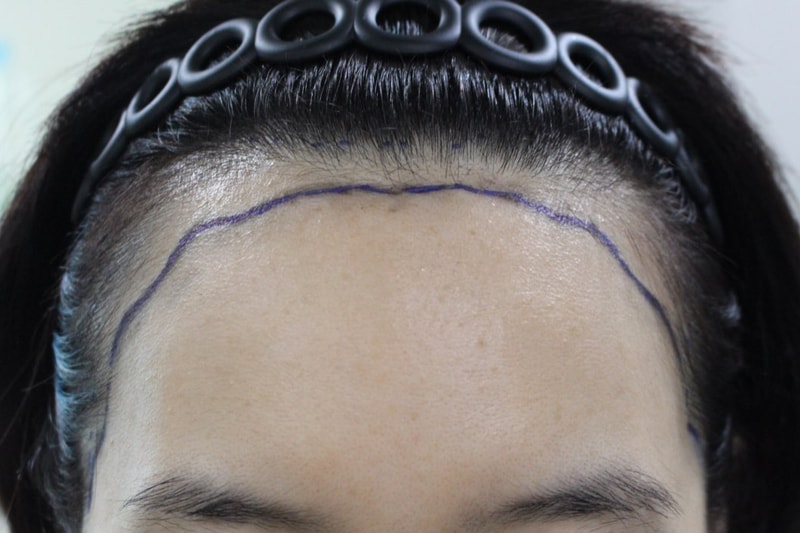
 모다올의원
모다올의원 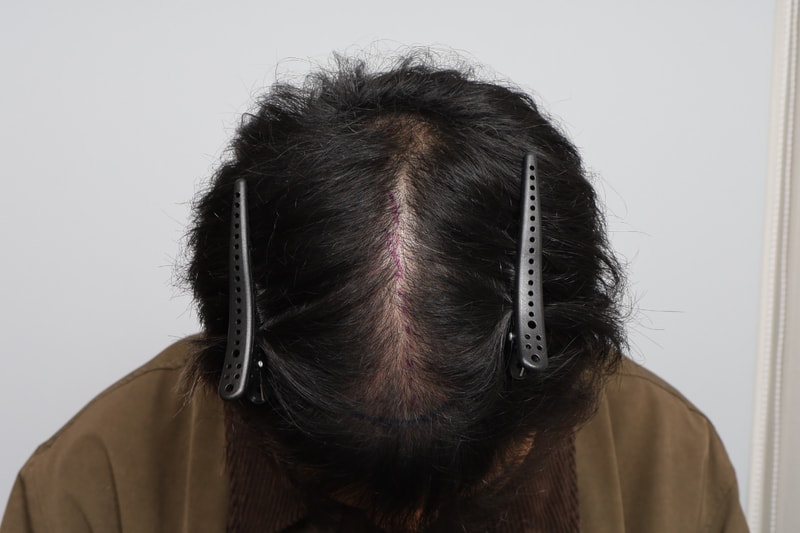
 모원성형외과의원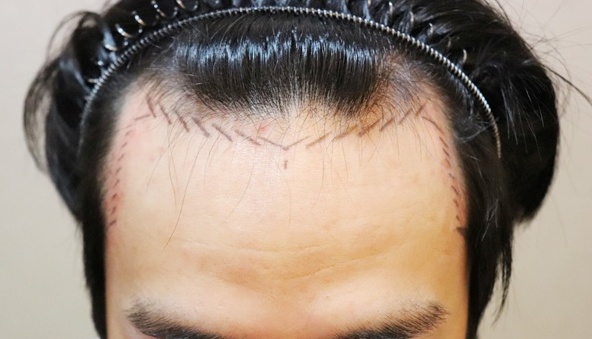
 JP성형외과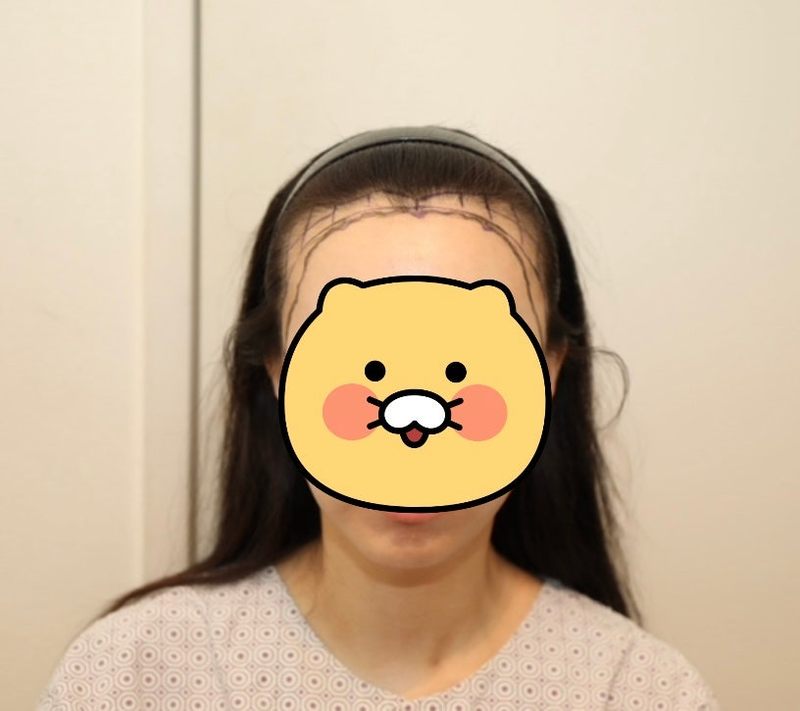
 뉴헤어모발성형외과의원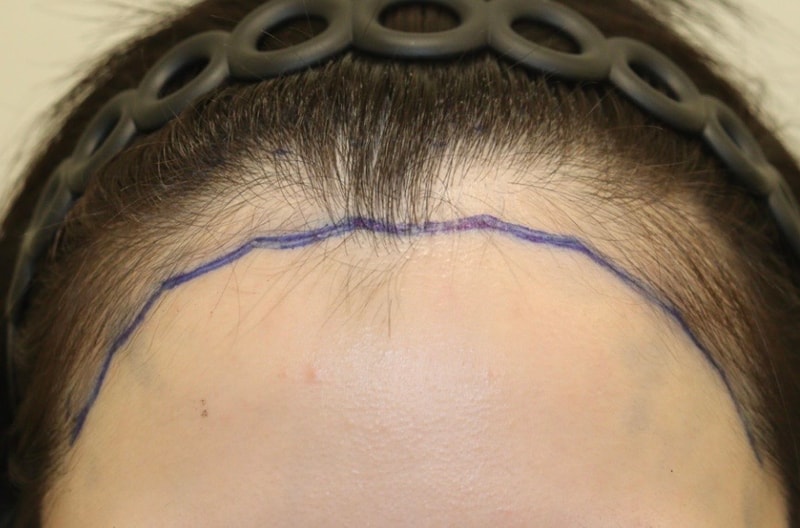
 헤어로의원 대구점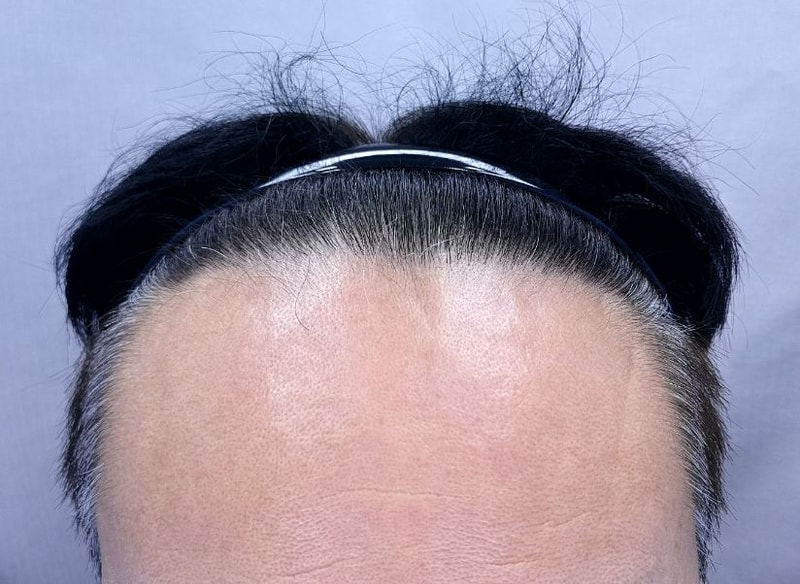
 연세모벨르의원 인천점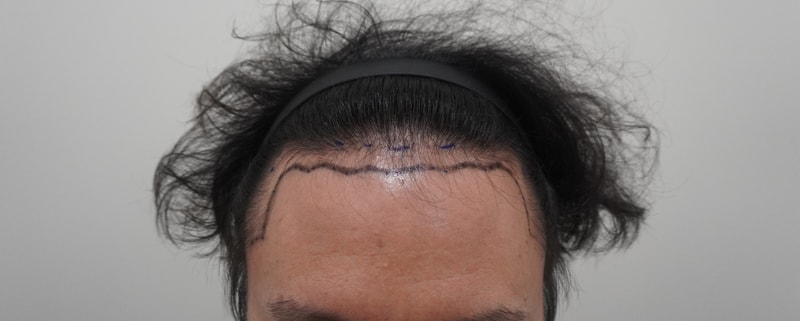
 용닥터의원
용닥터의원 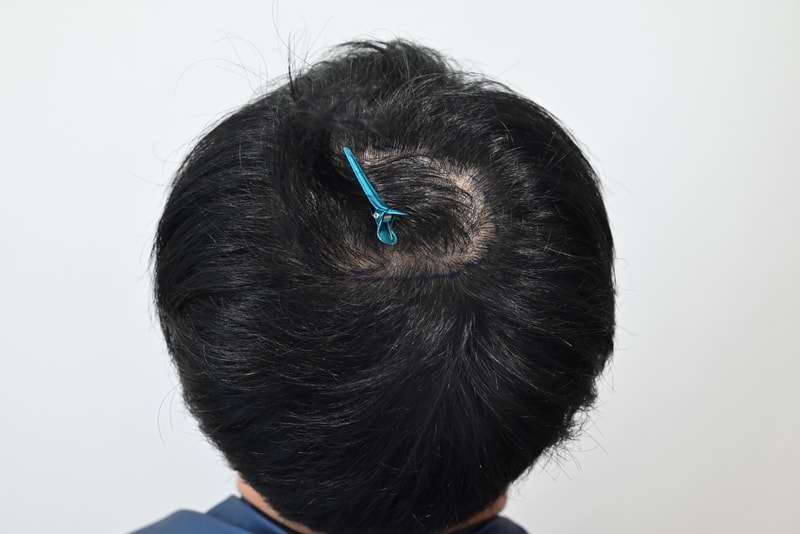
 모엠의원
모엠의원 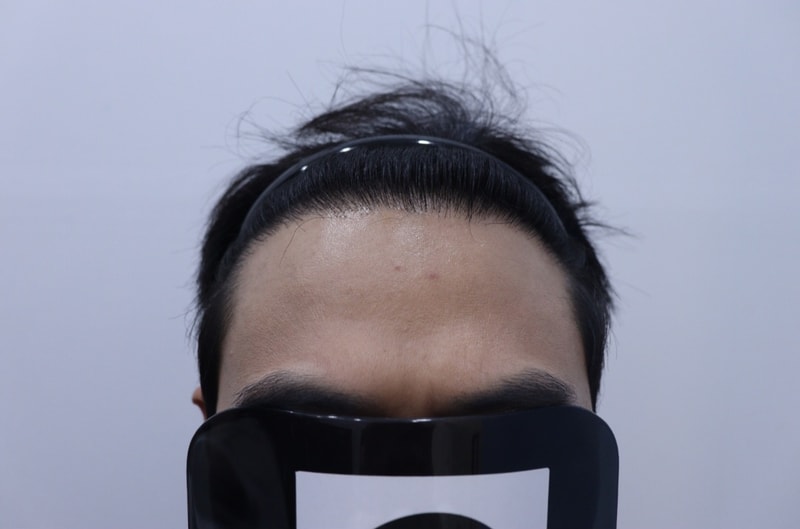
 광주 압구정모비앙의원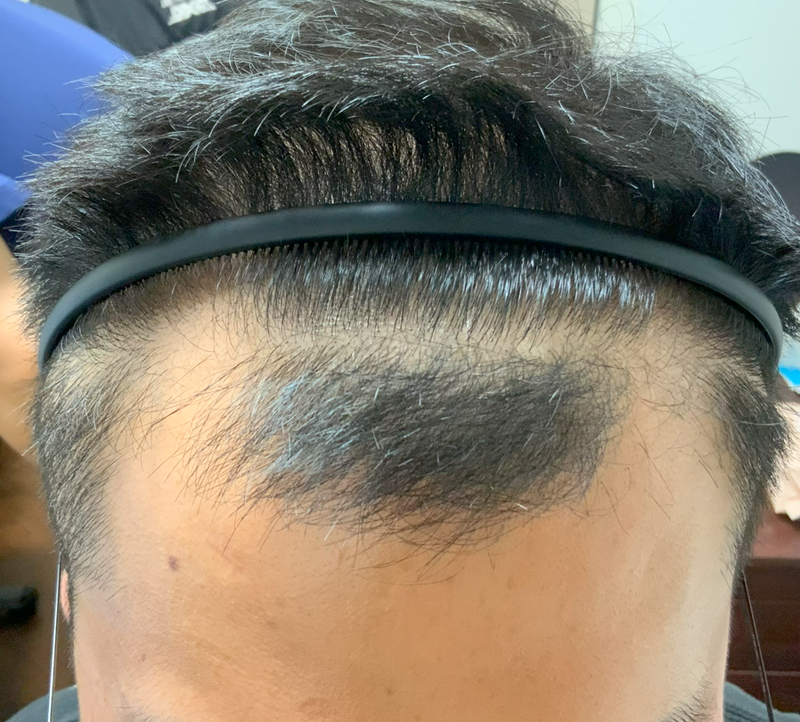
 연세모벨르의원 종로본점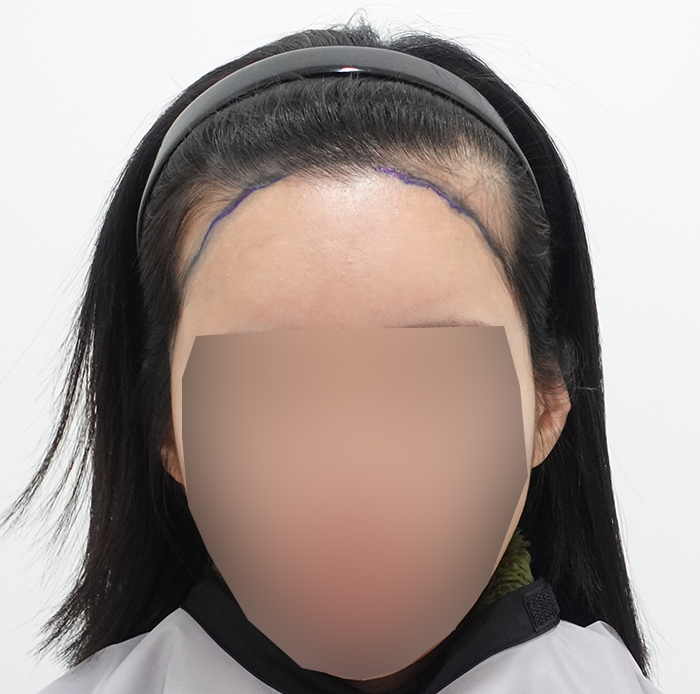
 모모성형외과의원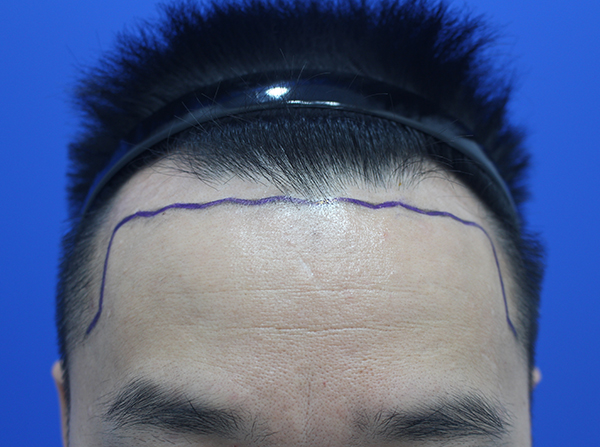
 한나이브모발이식센터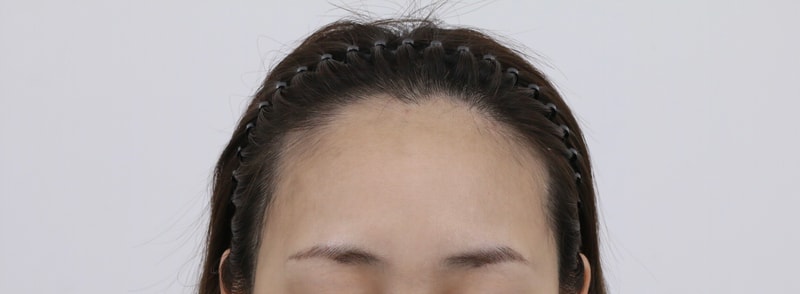
 모우림의원
모우림의원 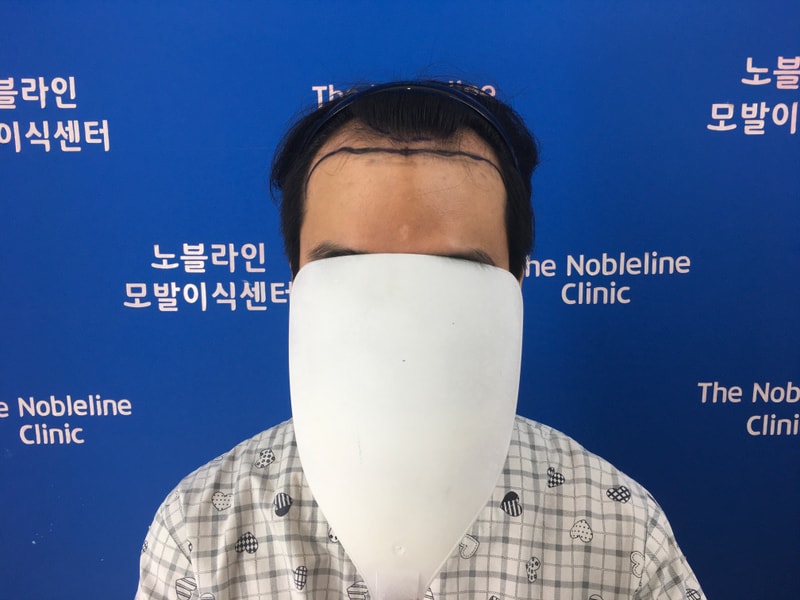
 노블라인의원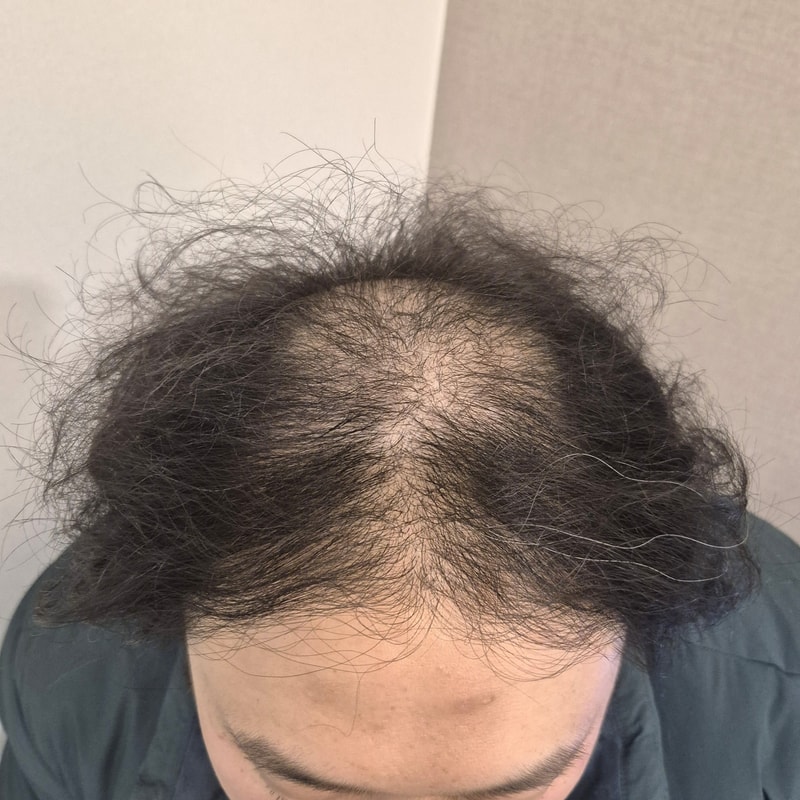
 알파모의원
알파모의원 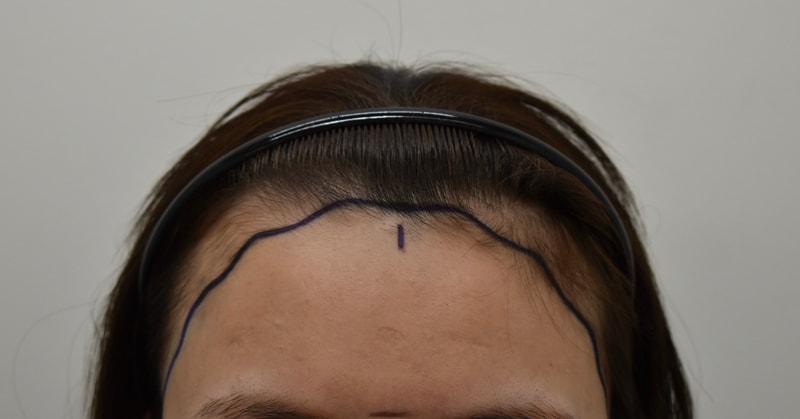
 모바른의원
모바른의원 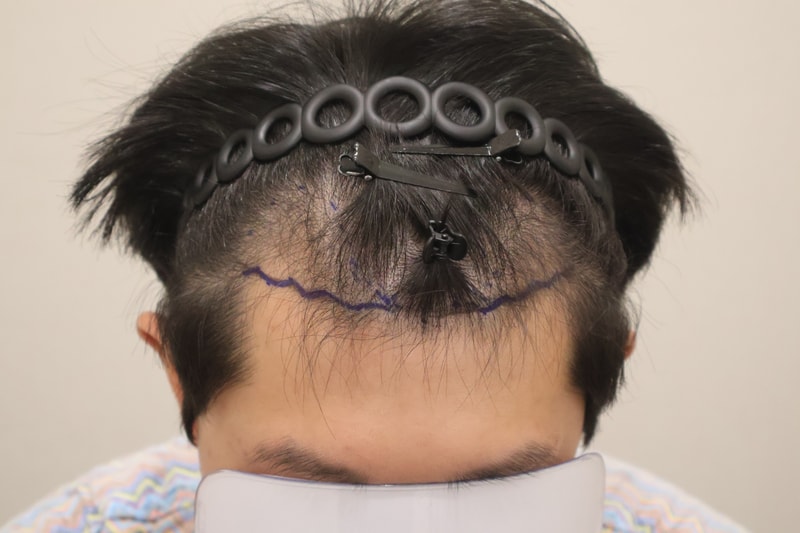
 헤어로의원 동탄점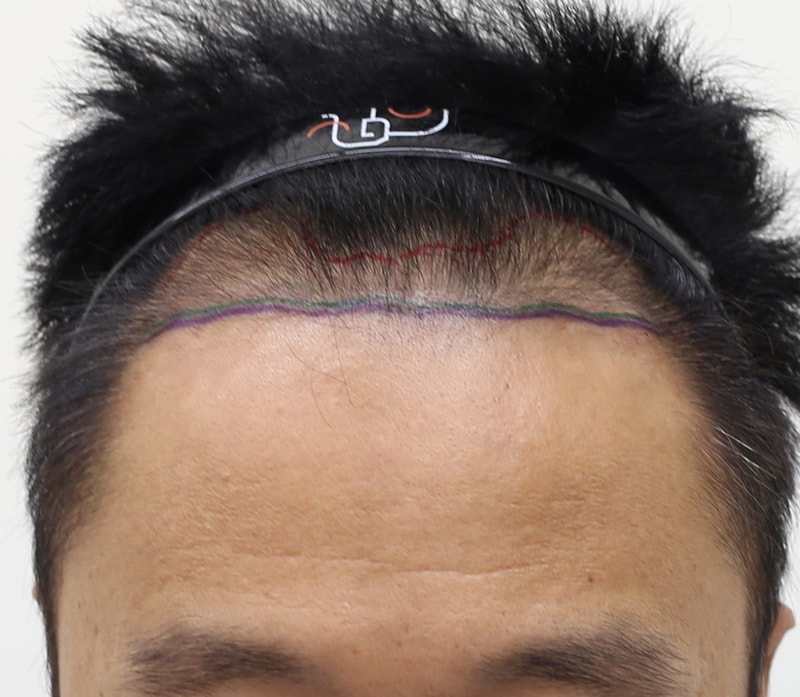
 인천 맘모스헤어라인의원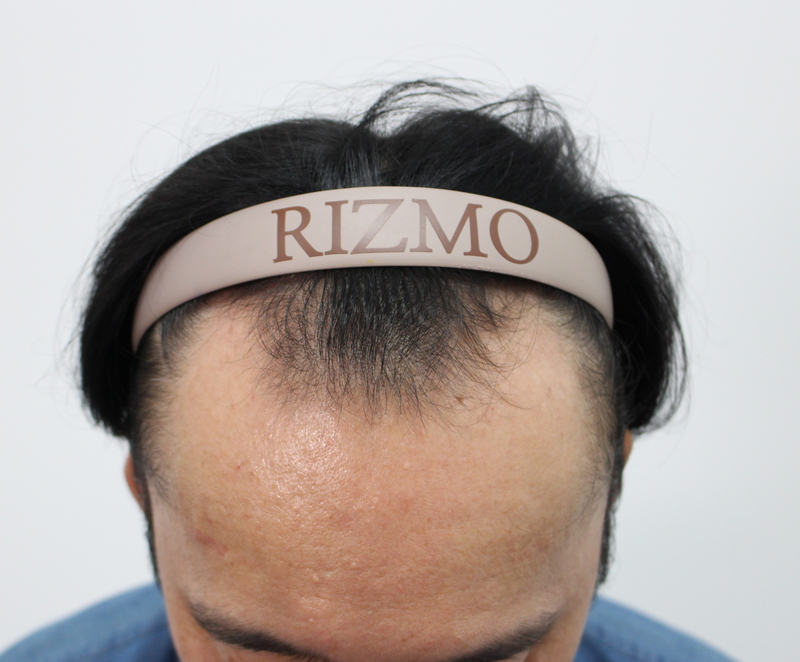
 부산 리즈모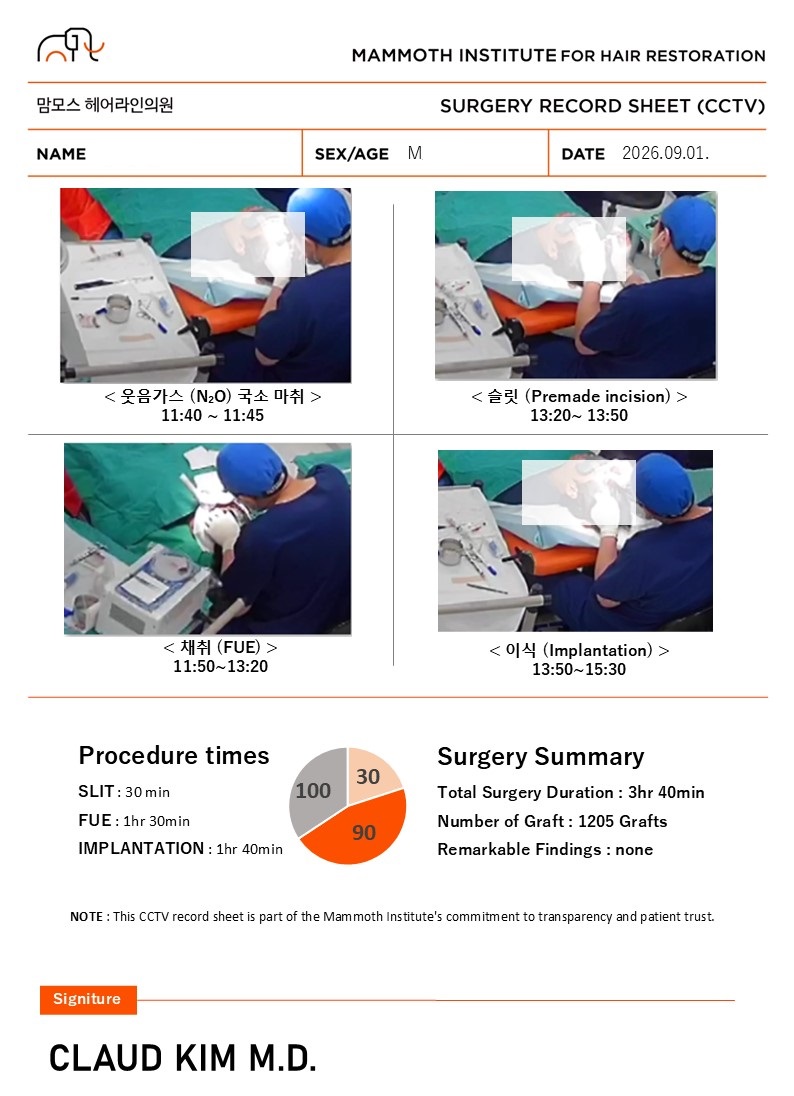
 부산 맘모스헤어라인의원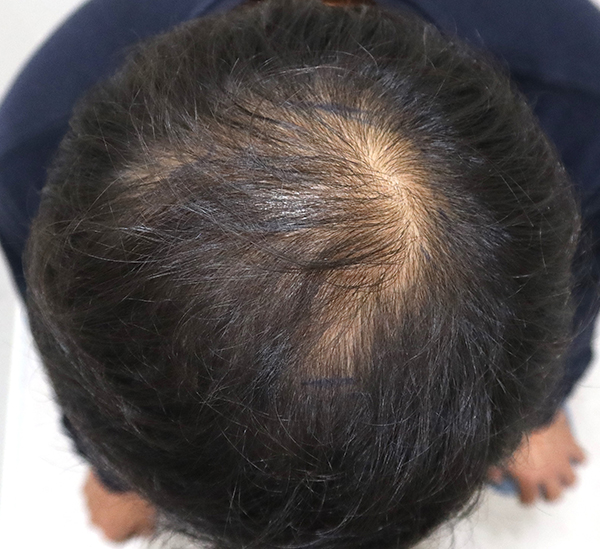
 모모의원 대구점
 모제림성형외과의원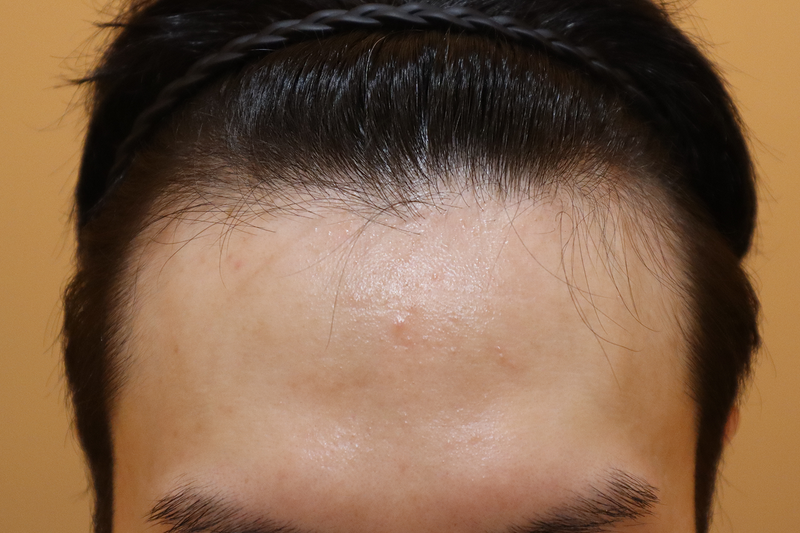
 헤어로의원 부산점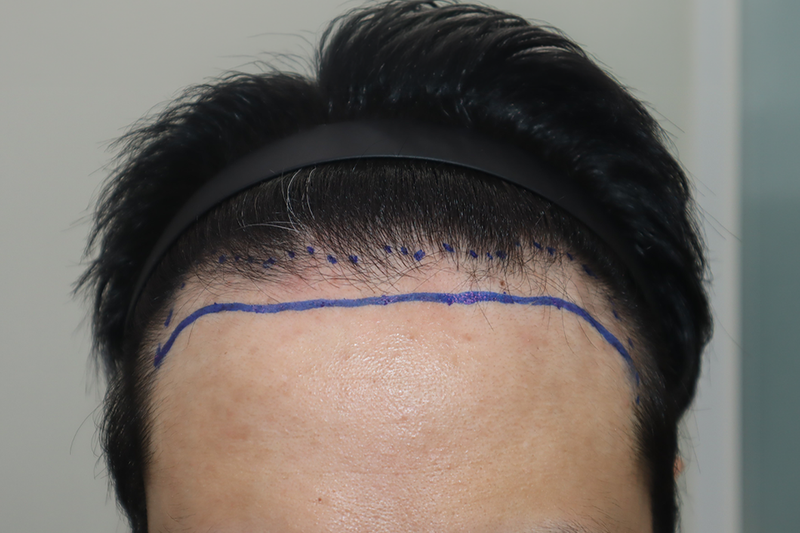
 헤어로의원 전주점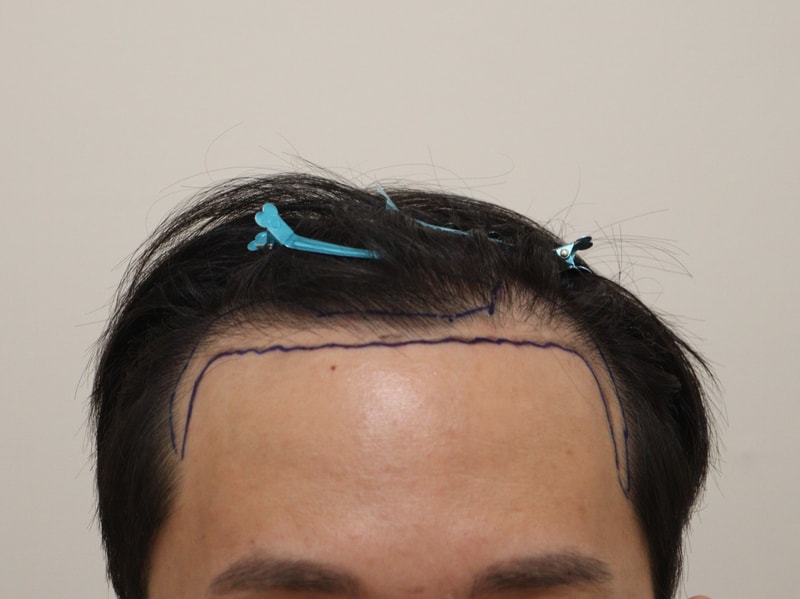
 모앤블레스모발이식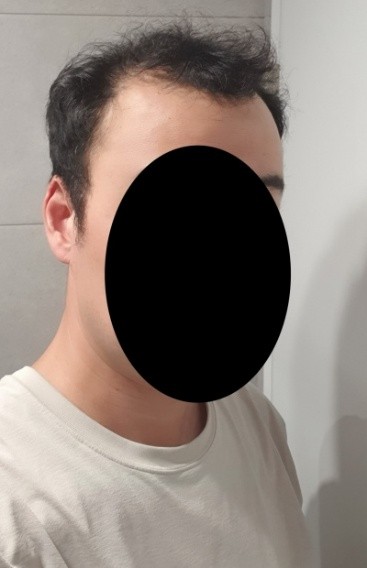
 모디헤어플란트의원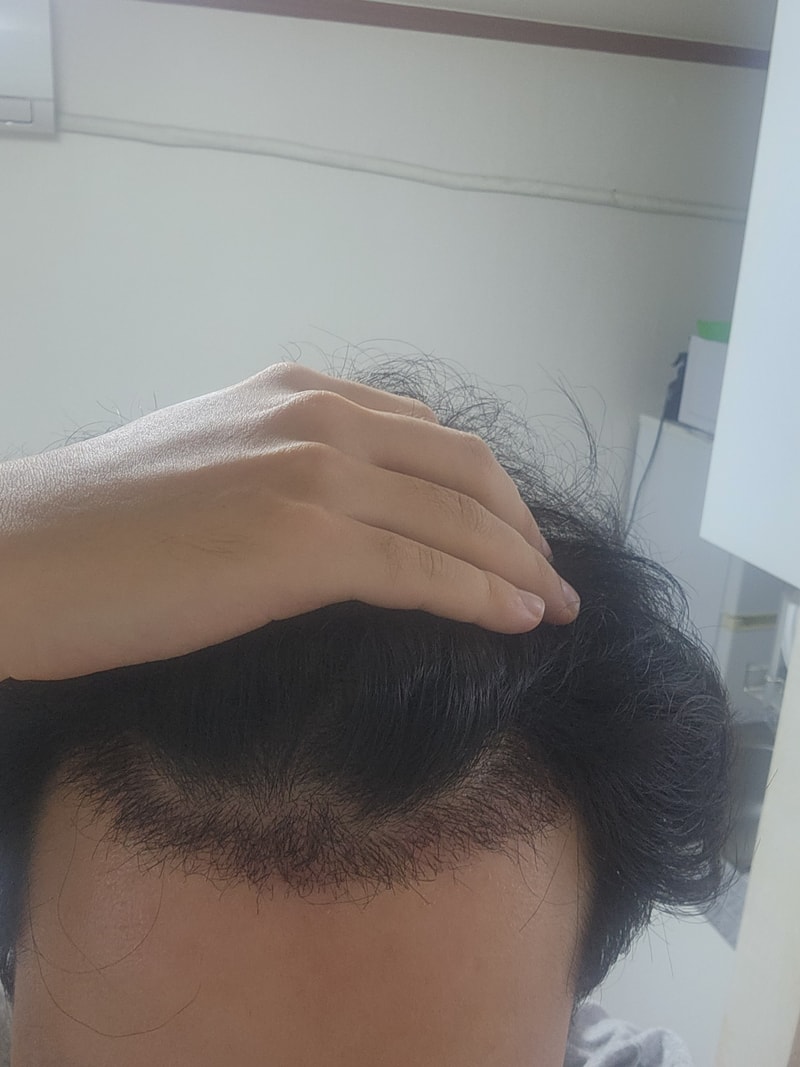
 인천 마이모 모발이식의원
 자라다의원
자라다의원 
 모우다의원
모우다의원 
 모든모의원
모든모의원 
 모모의원 부산점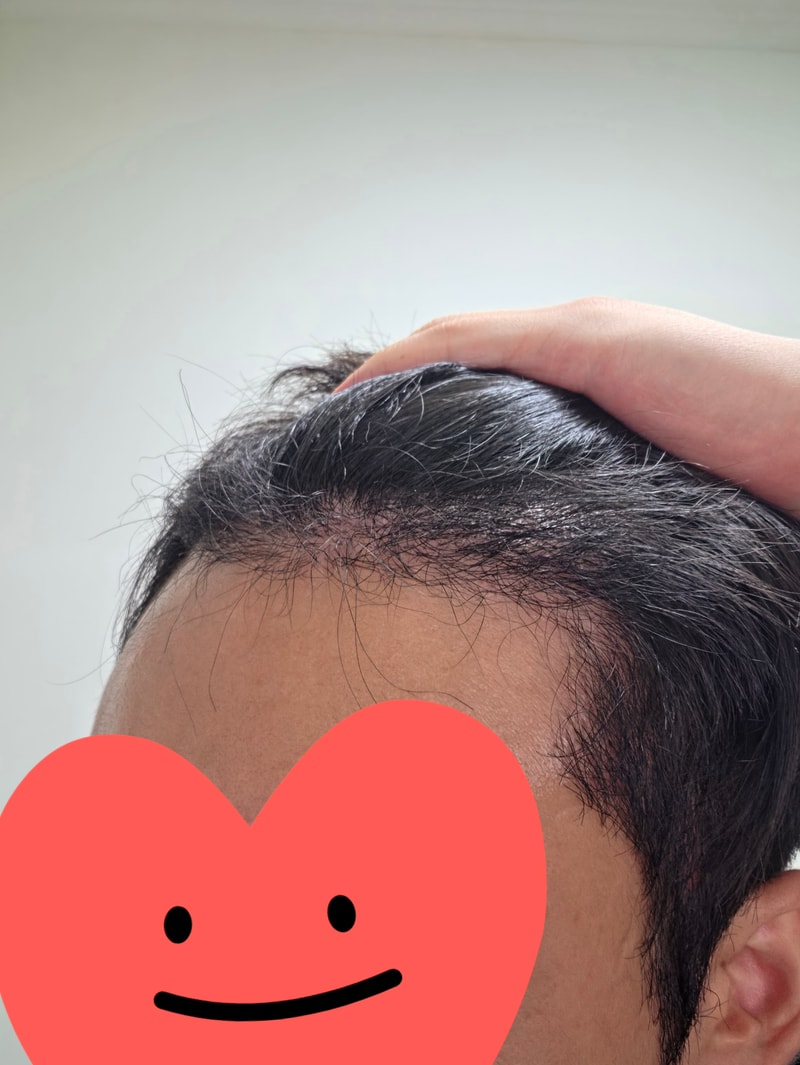
 모재성모발이식센터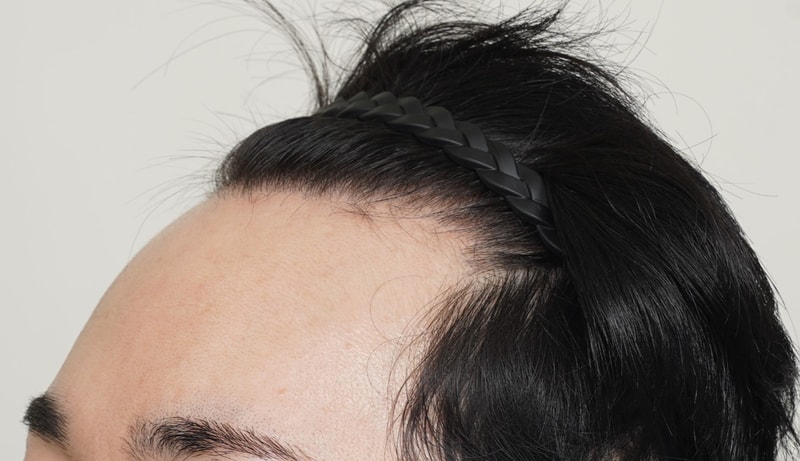
 바람부는날에도 성형외과의원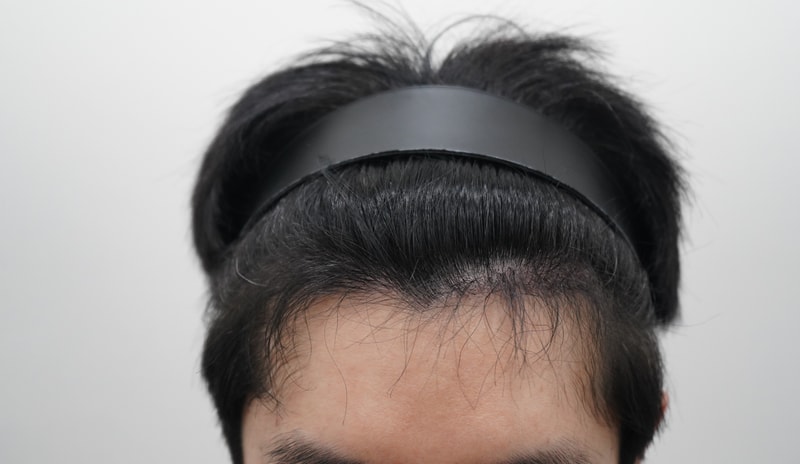
 모아트의원
모아트의원 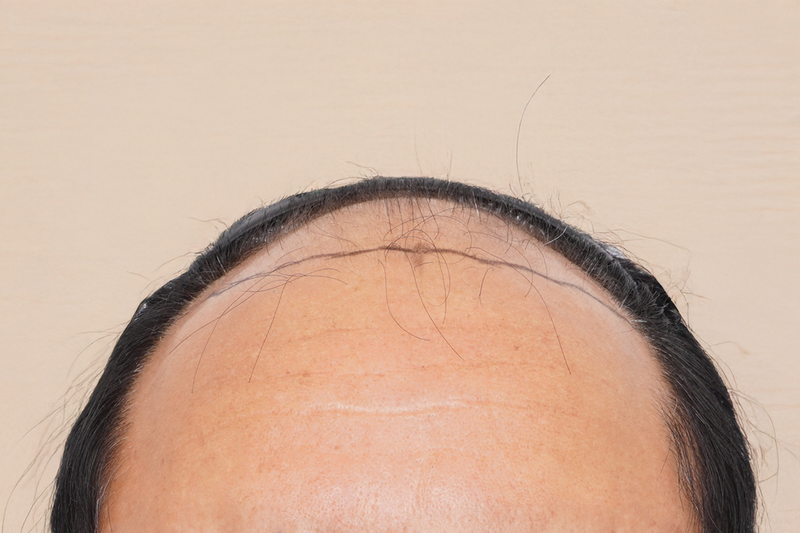
 헤어로의원 청주점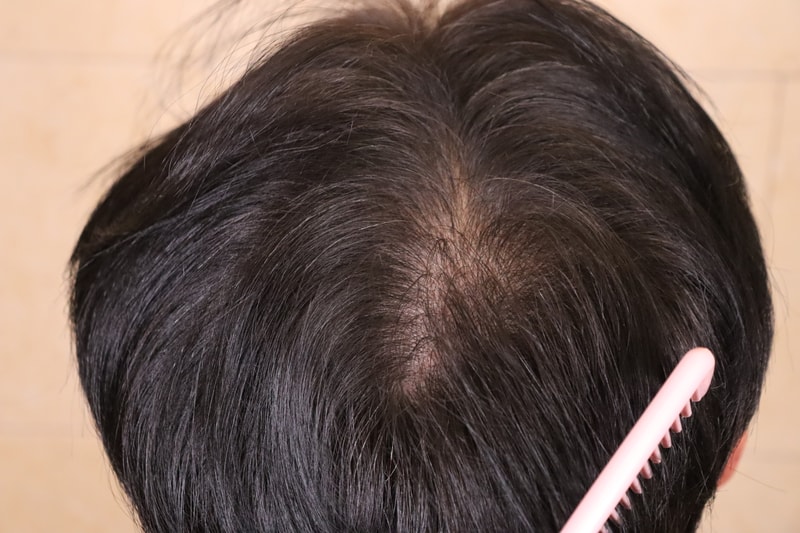
 움찬의원
움찬의원 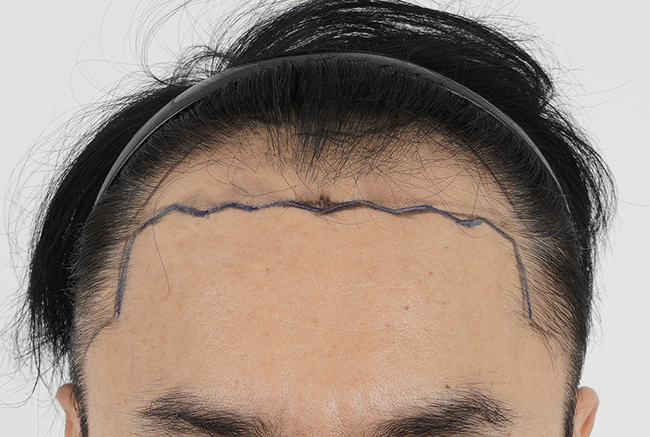
 모모의원 수원점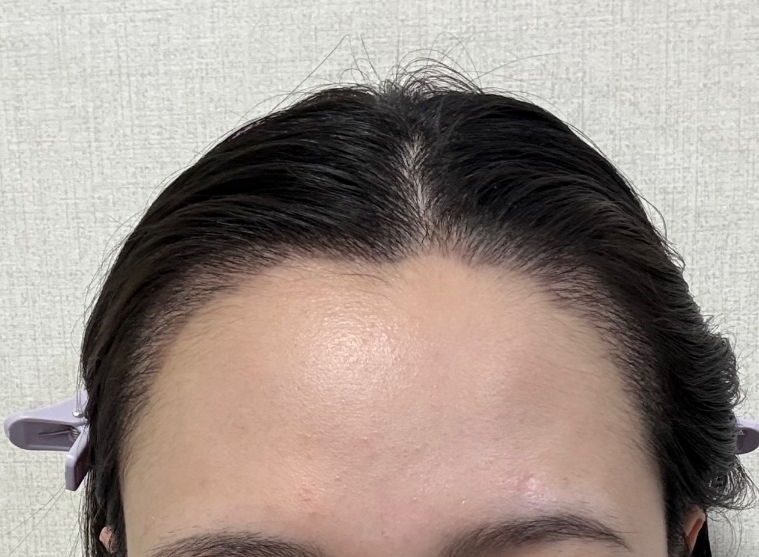
 모먼트의원
모먼트의원 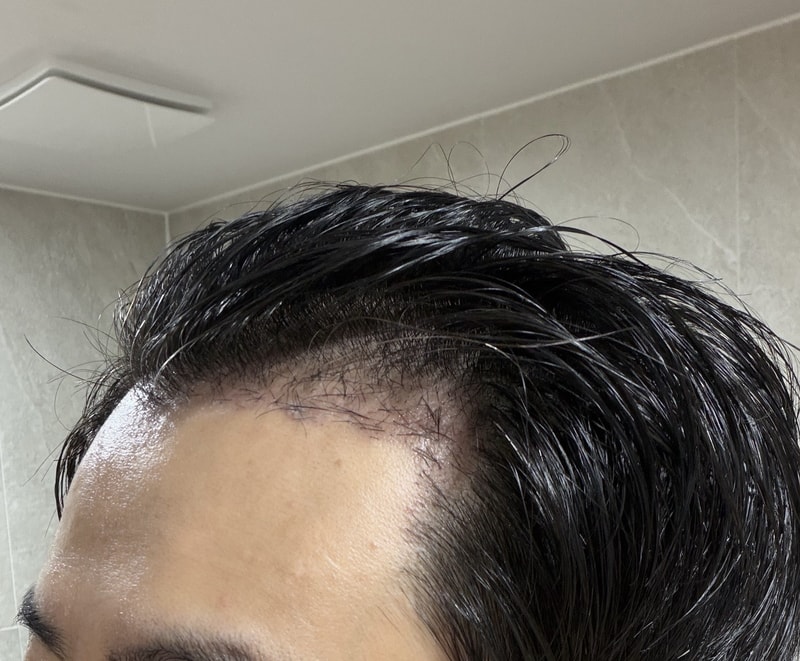
 다나성형외과
 연세모벨르의원 대구점
 글로웰의원
글로웰의원 
 모션모발이식의원
 모아만의원
모아만의원 



☞ 본 게시판에서 모발이식 수술 후기는 신고 바랍니다. (삭제 및 탈퇴)
댓글